Verification
Frontend services
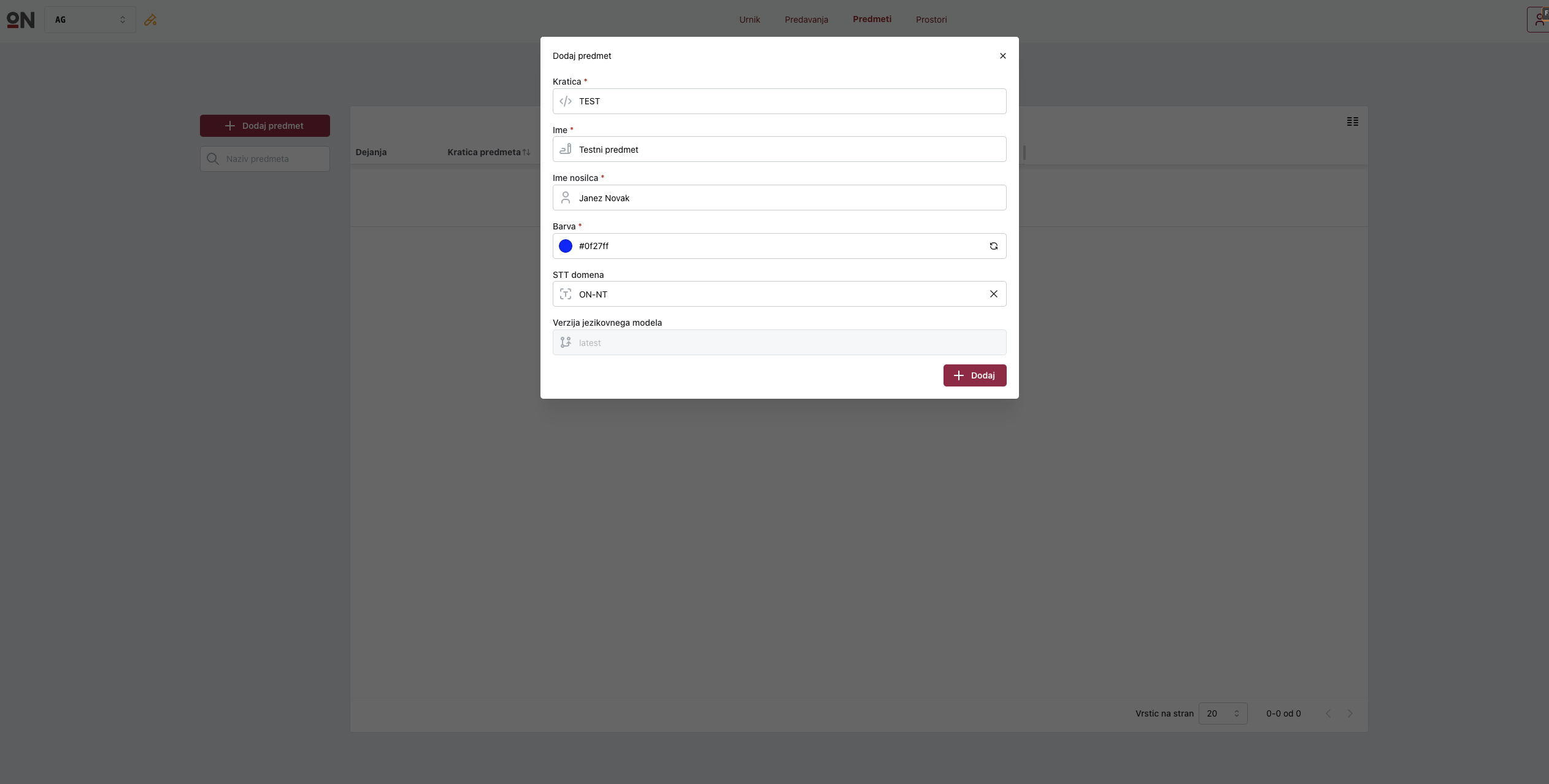
Navigate to https://Main DNS/admin. Login using the credentials from ./terraform/keycloak.tf resource keycloak_user.dev_account. Create a test course.
Navigate to https://Main DNS/stream. Add your account and set the account pin. You can then login into the streaming portal (however no lectures are created yet).

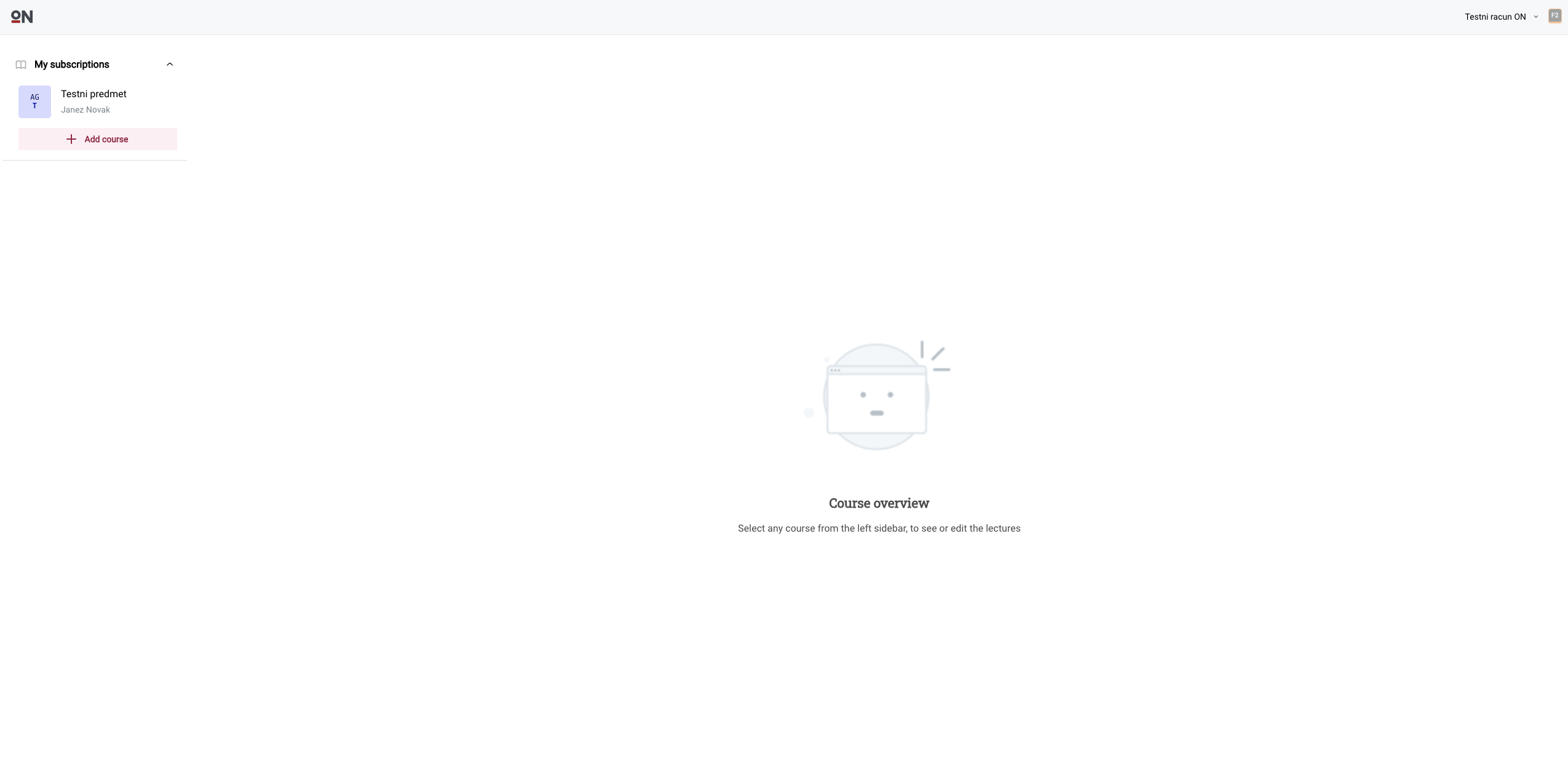
After that navigate to https://Main DNS. An onboarding animation should play. Complete the onboarding and add the test course to your account.
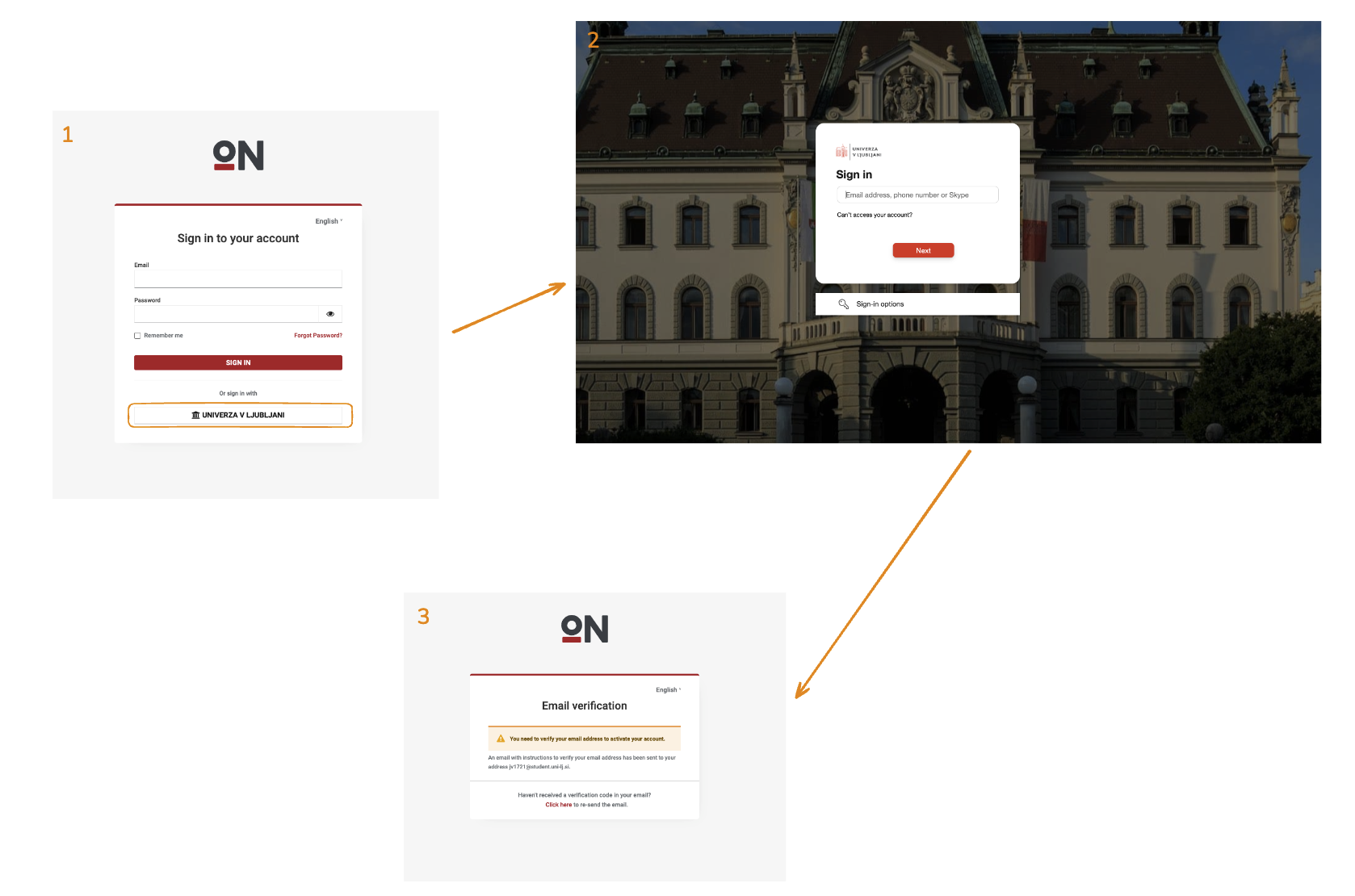
Don’t forget to delete the test course after you are done. Log out and test the IDP integration, by clicking the “Univerza v Ljubljani” button on the login page. You should be redirected to the University of Ljubljana IDP login page. This will test the IDP integration and SMTP email sending for email verification.
Grafana dashboards
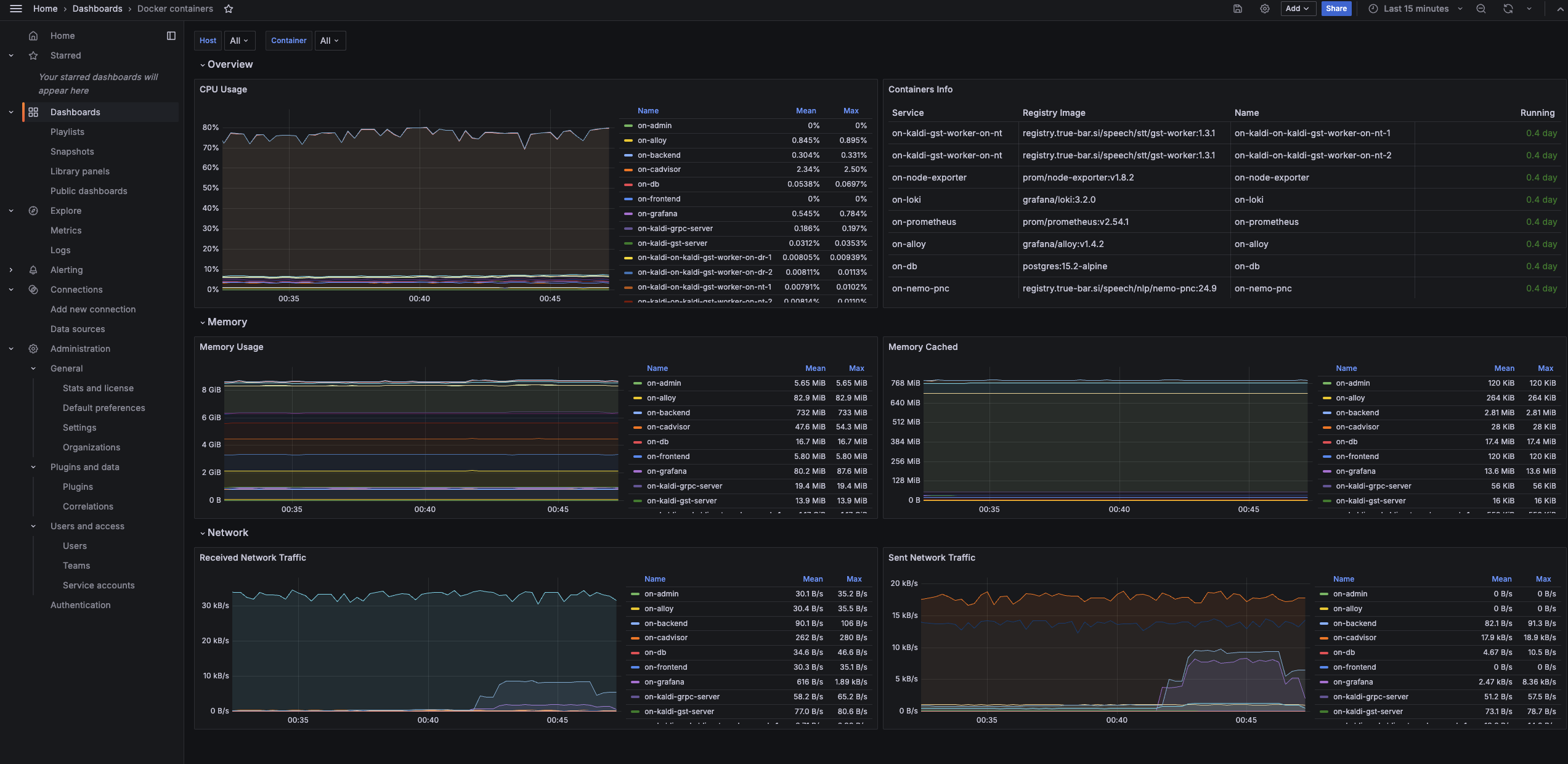
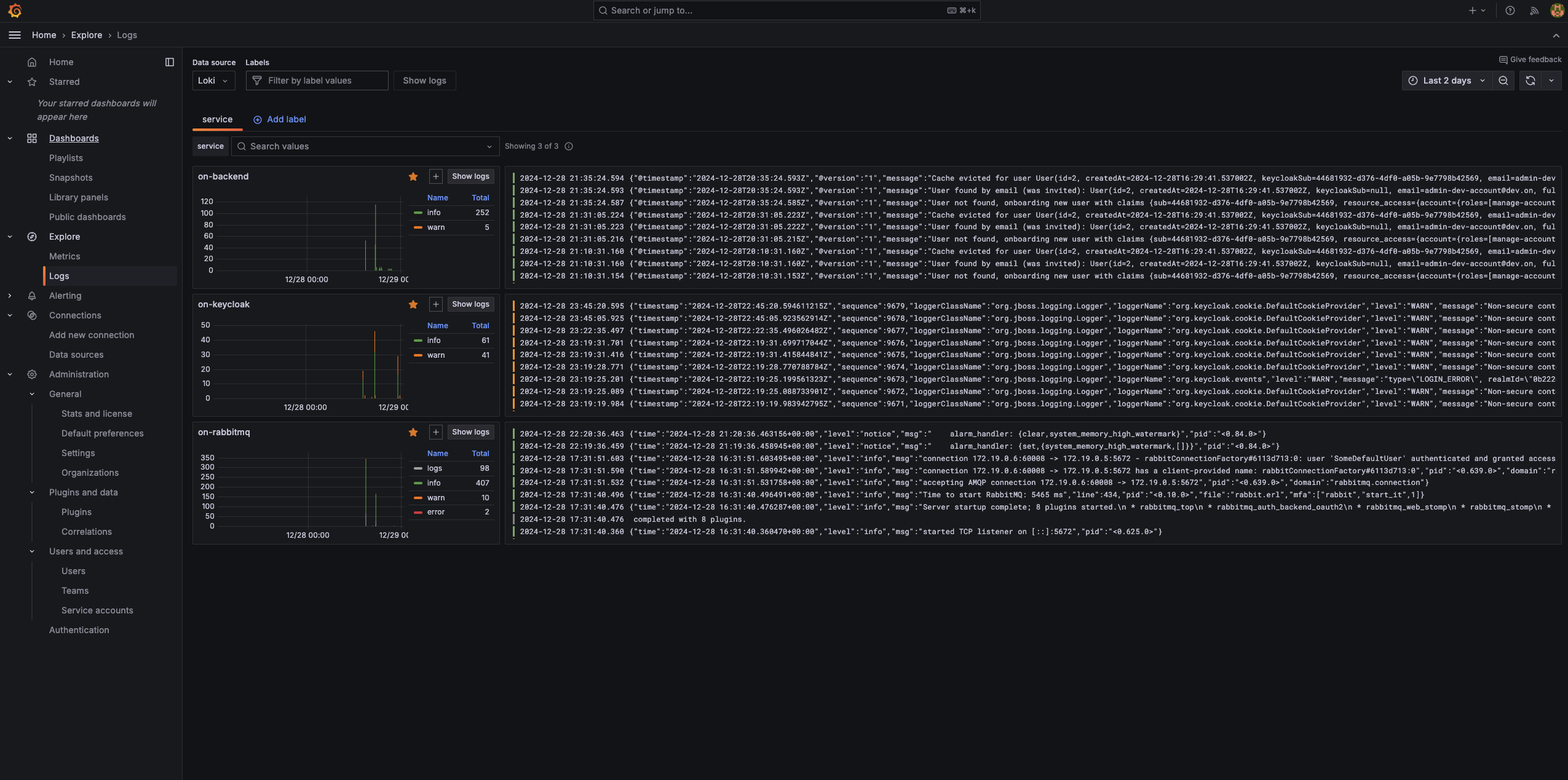
This is how the Grafana logs dashboard should look like after the setup is complete. No errors should be present and the services shouldn’t be restarting.
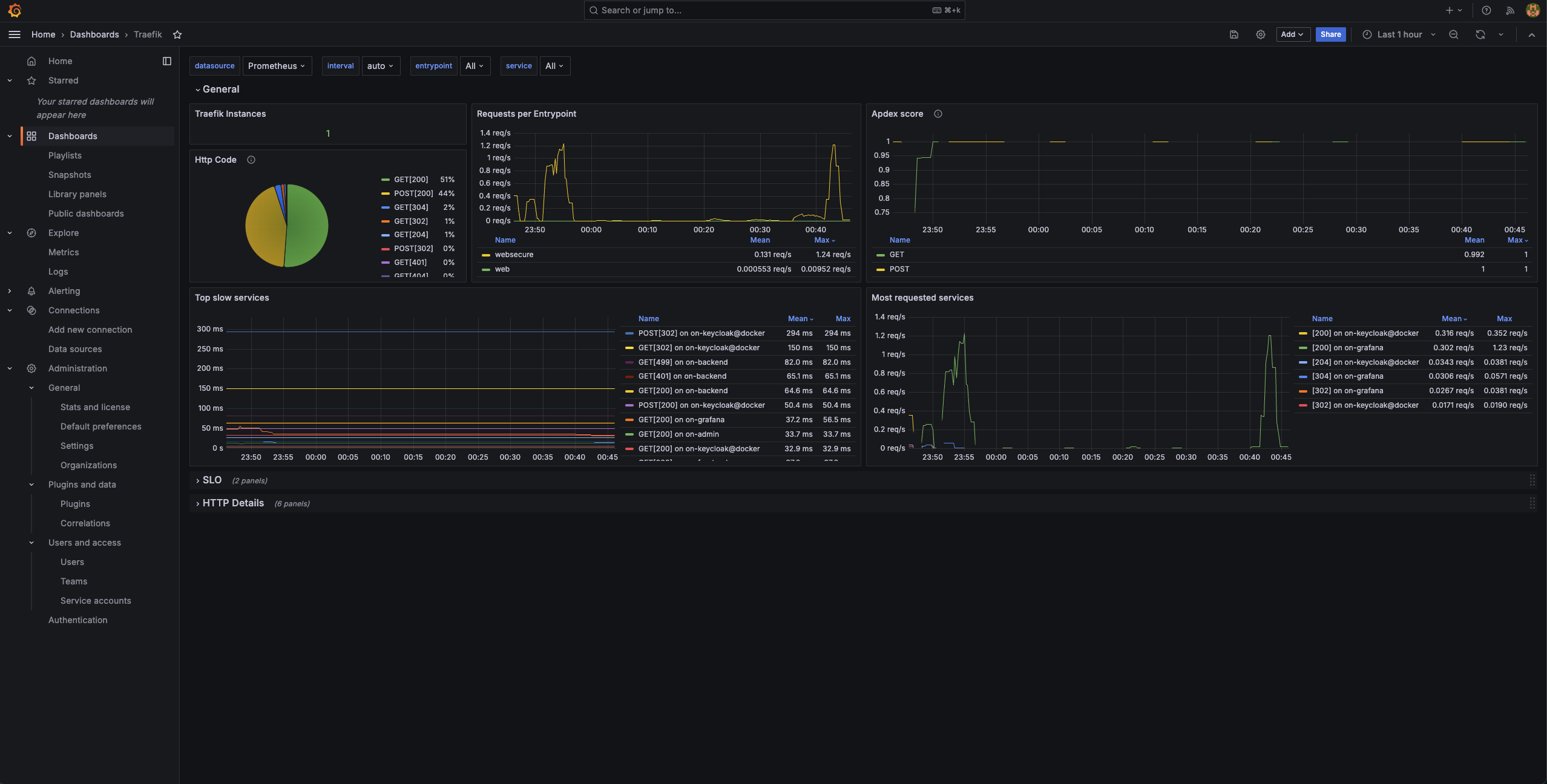
There also shoudn’t be any any 500 errors in the Traefik dashboard.
Thw whole stack (with 2 NT and 2 DR workers) should take around 8 GB of RAM. All services should be using a little bit of CPU, with RabbitMQ using around 80% of one core.